
Starfield X-Tech & Tier 4 Legendary Effects Guide 2026 — Re-Rolls, Exotics & Ship Upgrades

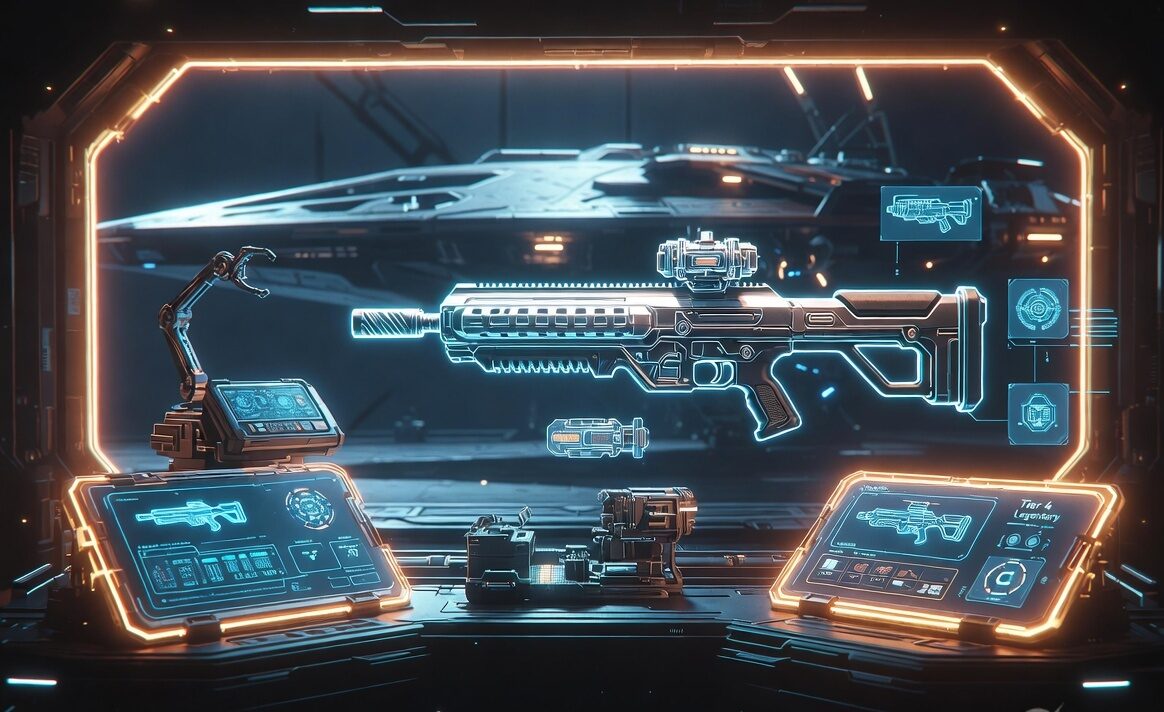
The Free Lanes update quietly reshaped Starfield’s entire endgame. Tucked between Cruise Mode and the new ship systems was a feature veteran Captains had been begging for since launch: X-Tech crafting, a way to finally take control of legendary gear instead of praying to the loot gods. Pair that with the new Tier 4 (Rank 4) legendary effects and suddenly the gap between a “good” weapon and a build-defining one comes down to how well you understand the system.
This guide breaks down everything about X-Tech in 2026 — what it is, how to unlock it, how Tier 4 legendary effects work, how to re-roll and chase exotic combinations, and how to pour X-Tech into your ship through the Ship Optimisation Terminal. Everything here is built around the systems introduced in Update 1.16.236 and refined through 1.16.242.
What Is X-Tech in Starfield?
X-Tech is the advanced crafting framework added to Starfield in the Free Lanes update (Patch 1.16.236). At its core, X-Tech crafting lets you customise the legendary effects on weapons and armour at a workbench, rather than relying purely on random drops. It also introduced additional quality tiers for weapons and suits and a brand-new top rank of legendary effect.
Before X-Tech, your best legendary gear was whatever the random number generator handed you. A near-perfect rifle with the wrong third legendary slot was simply wasted potential. X-Tech changes that relationship: legendary effects become something you shape deliberately, using crafted upgrade modules and the new re-roll workflow.
What X-Tech Added at a Glance
- X-Tech crafting — customise legendary effects on weapons and armour at a workbench.
- Additional quality tiers for weapons and suits, raising the ceiling on base stats.
- Tier 4 (Rank 4) legendary effects — a new, stronger tier of legendary modifier.
- Upgrade Modules — installable components that improve one attribute of a weapon or suit.
- New weapon skins applicable to select weapons at a workbench.
- Ship Optimisation Terminal — a buildable terminal that lets you spend X-Tech to improve several ship attributes.
How to Unlock X-Tech Crafting
X-Tech crafting becomes available once you have the Free Lanes update installed and have progressed far enough to access standard Weapon and Spacesuit workbenches. The X-Tech options appear as an expanded set of modification slots on those same benches — there is no separate machine to build for personal gear.
- Make sure your game is updated to at least Patch 1.16.236 (the Free Lanes update) or newer.
- Invest in the relevant crafting skills — Weapon Engineering for guns and Spacesuit Design for armour — to open the higher modification ranks.
- Gather the resources and Upgrade Modules required for X-Tech work (covered below).
- Visit any Weapon Workbench or Spacesuit Workbench and select a legendary item to see the new X-Tech customisation options.
Because X-Tech leans on the existing crafting skill trees, a build that already invests in industry and science skills will find the transition almost seamless. If you are starting fresh, our Best Skills guide covers the fastest skill paths to unlock advanced crafting.
Tier 4 Legendary Effects Explained
Legendary effects in Starfield are the coloured modifiers that give gear its special properties — think extra damage against certain enemy types, faster reloads, or reduced incoming damage while sprinting. Items can roll with one, two, or three legendary effects depending on rarity, and each effect has a rank that determines how powerful it is.
The Free Lanes update added Tier 4 (Rank 4) legendary effects for both weapons and suits. This sits above the previous top rank and represents the strongest version of each modifier in the game. A Tier 4 effect delivers a meaningfully larger bonus than its Tier 3 equivalent, which is why endgame builds now revolve around securing Tier 4 rolls on their core gear.
How Legendary Ranks Stack Up
| Tier | Relative Strength | Where It Shows Up |
|---|---|---|
| Tier 1 | Baseline modifier | Common legendary drops, lower levels |
| Tier 2 | Improved bonus | Mid-game drops and vendors |
| Tier 3 | Strong bonus | High-level zones and tougher enemies |
| Tier 4 | Strongest available bonus | Endgame drops + X-Tech crafting (Free Lanes onward) |
In practice, the jump from Tier 3 to Tier 4 is where build optimisation lives. On a primary weapon, upgrading a damage-focused effect to Tier 4 can be the difference between two-shotting and one-shotting a tough enemy. On a spacesuit, a Tier 4 defensive roll noticeably extends how long you survive in high-level encounters.
Upgrade Modules: The Heart of X-Tech
Upgrade Modules are the consumable components that power X-Tech crafting. Each module is installed onto a weapon or suit to improve a single attribute of that item. Because every module targets one attribute, building the perfect piece of gear is a process of layering several modules to push the stats that matter for your build.
Working With Upgrade Modules
- Each module improves one attribute of a weapon or suit — plan which stats your build actually needs before spending materials.
- Modules are crafted and applied at the appropriate workbench alongside the rest of your X-Tech work.
- Prioritise your primary weapon and your main spacesuit first; these see the most use and benefit most from investment.
- Stockpile crafting resources in advance — high-end modules lean on rarer materials, so a steady supply line pays off.
If your resource stockpile is thin, the Resources guide shows where to farm every material fast, and the Credits Farming guide helps you fund the constant trips to the workbench.
Re-Rolling Legendary Effects
The single most requested feature X-Tech delivers is control over which legendary effects sit on your gear. Instead of discarding an otherwise excellent weapon because one of its three legendary slots rolled something useless, you can now reshape those effects at the workbench through the X-Tech customisation options.
A Practical Re-Roll Workflow
- Identify your base item — ideally one with a high quality tier and good base stats, since X-Tech shapes the legendary effects, not the underlying frame.
- Decide your target effects. For a damage build that usually means stacking damage-type and rate-of-fire modifiers; for survival, defensive and mobility effects.
- Use the workbench X-Tech options to customise the legendary effects toward your target loadout.
- Layer Upgrade Modules to push the specific attributes your build depends on.
- Aim to land your key modifiers at Tier 4 for the strongest possible result.
A clean way to think about it: legendary drops give you a starting point, and X-Tech is how you finish the job. Veterans no longer hoard dozens of near-miss weapons — they pick one excellent base and craft it into exactly what they want.
Chasing Exotic Combinations
“Exotic” builds are where X-Tech gets genuinely fun. Because you can now steer legendary effects deliberately, you can engineer weapon and suit combinations that simply were not practical to farm before. The goal is synergy: choosing effects that multiply each other rather than just stacking raw numbers.
Exotic Weapon Ideas
- Burst assassin: stack effects that reward the first shots from stealth, then pair with a high-damage base for one-shot potential against unaware enemies.
- Sustained DPS: combine rate-of-fire and reload-focused effects so your damage never dips during long fights.
- Anti-faction specialist: lean into effects that boost damage against specific enemy types for the content you run most.
Exotic Suit Ideas
- Sprint tank: pair damage-reduction-while-moving effects with mobility bonuses to stay aggressive and survivable.
- Resource regen: stack effects that restore oxygen or health on action so you can push longer between cover.
For the gear frames worth building around, our Best Weapons guide ranks the strongest bases, and the Weapons Crafting & Modding guide covers the standard mods that complement your X-Tech work.
Ship Upgrades: Spending X-Tech on Your Ship
X-Tech is not limited to personal gear. The Free Lanes update added the Ship Optimisation Terminal, a buildable terminal that lets you spend X-Tech to improve several ship attributes. It is the ship-side counterpart to Upgrade Modules — a way to invest crafting effort into your vessel rather than relying solely on bought components.
Getting Value From the Ship Optimisation Terminal
- Build the Ship Optimisation Terminal and use it to spend X-Tech on improving ship attributes.
- Combine it with Ship Equipment Schematics — new equipment that becomes available in the ship builder after discovery.
- Decide the ship role first (combat, hauling, or exploration) so you optimise the attributes that actually matter for it.
If you are still settling on a hull to invest in, the Ship Builds Tier List ranks every ship from S to D tier so you optimise something worth keeping.
X-Tech Priorities: Where to Spend First
X-Tech investment is gated by resources and crafting effort, so order matters. Here is a sensible priority list for most builds returning to the game after the Free Lanes update.
- Primary weapon legendary effects — your most-used gun benefits most from re-rolling toward Tier 4.
- Main spacesuit defensive effects — survivability scales every encounter, not just combat.
- Upgrade Modules on key attributes — push the specific stats your build leans on.
- Secondary weapon — round out your loadout once your main is finished.
- Ship Optimisation Terminal — invest in your ship once your personal gear is solid.
Tips for Getting the Most From X-Tech
- Keep one excellent base item per weapon class rather than hoarding dozens of near-misses — X-Tech makes the base frame the thing worth saving.
- Match legendary effects to the content you actually run; an anti-spacer build is wasted if you mostly fight ground factions.
- Tier 4 is the goal, but a well-chosen Tier 3 combination often beats a poorly-chosen Tier 4 single effect — synergy over raw rank.
- Stockpile rare resources before a crafting session so you are not interrupting your run with farming trips.
- Optimise your ship for one clear role; trying to make a single hull do everything dilutes the X-Tech you pour into it.
Frequently Asked Questions
What is X-Tech in Starfield?
X-Tech is the advanced crafting system added in the Free Lanes update (Patch 1.16.236). It lets you customise legendary effects on weapons and armour at a workbench, adds new quality tiers, introduces Tier 4 legendary effects, and lets you spend X-Tech on ship upgrades via the Ship Optimisation Terminal.
How do I unlock Tier 4 legendary effects?
Tier 4 (Rank 4) legendary effects arrived with the Free Lanes update. They appear on endgame drops and can be reached through X-Tech crafting at a workbench, provided your game is updated and you have invested in the relevant crafting skills.
Can I re-roll legendary effects on existing gear?
Yes. That is the headline benefit of X-Tech — you can reshape the legendary effects on a weapon or suit at the workbench instead of relying solely on random drops, then layer Upgrade Modules to push the attributes you care about.
What do Upgrade Modules do?
Each Upgrade Module improves one attribute of a weapon or suit when installed. You typically layer several modules to build a piece of gear toward your target stats.
How do I upgrade my ship with X-Tech?
Build the Ship Optimisation Terminal, then spend X-Tech through it to improve several ship attributes. New Ship Equipment Schematics also unlock in the ship builder after discovery.
Final Thoughts
X-Tech is the closest Starfield has come to true endgame build crafting. By turning legendary effects from a lottery into a deliberate choice — and extending that control to Tier 4 effects and your ship — the Free Lanes update gave veteran Captains a reason to rebuild their favourite gear from the ground up. Pick a strong base, target the effects your playstyle rewards, and let Upgrade Modules and Tier 4 rolls do the rest.